
Step 1: Login to NetDocuments
Option 1: Log in to NetDocs via a Windows Password
Option 2: Log in to NetDocs via a NetDocs Password
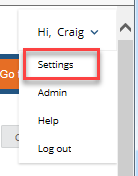
Step 2: In NetDocuments, Click on the arrow next to your name and click Settings
Step 3: Under Application Settings, Make sure Turn on Desktop Email Integration has a check by it.
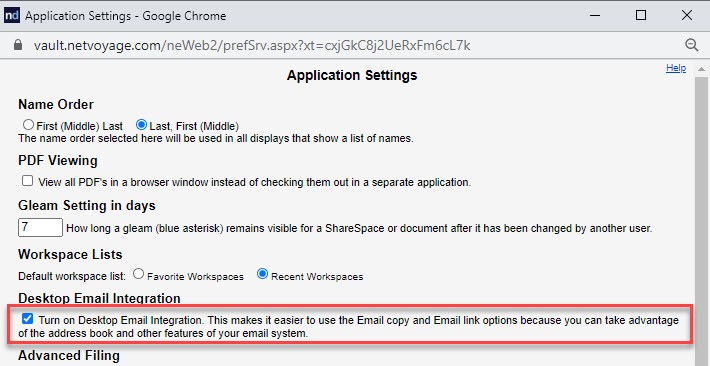
Click OK and Close
Step 4: Make sure you see the square nd in the system tray of your computer (ndOffice)
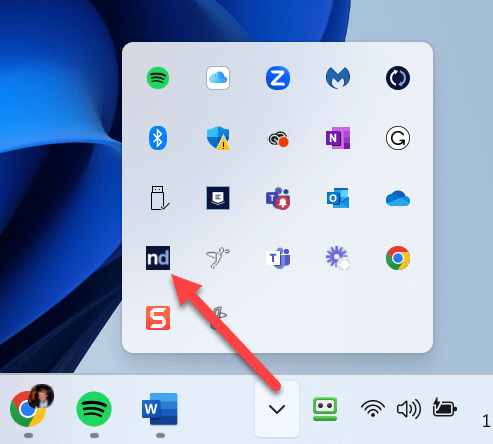
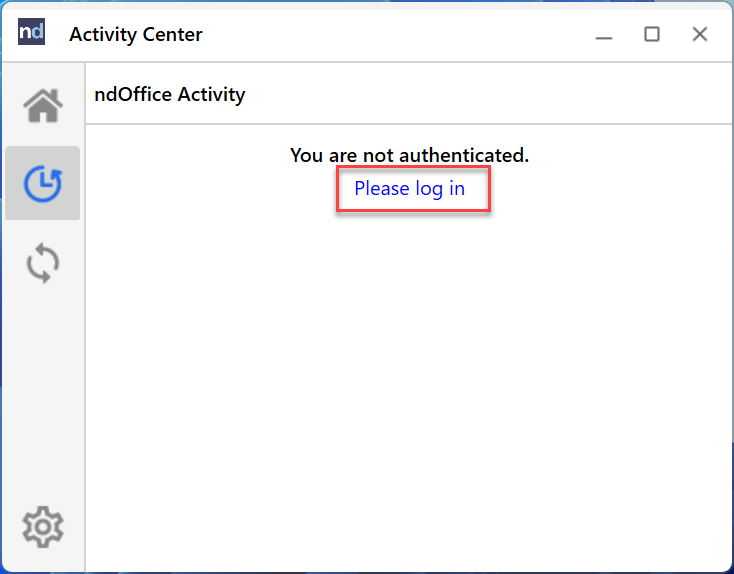
Step 5: Click on the Square nd and then Please log in
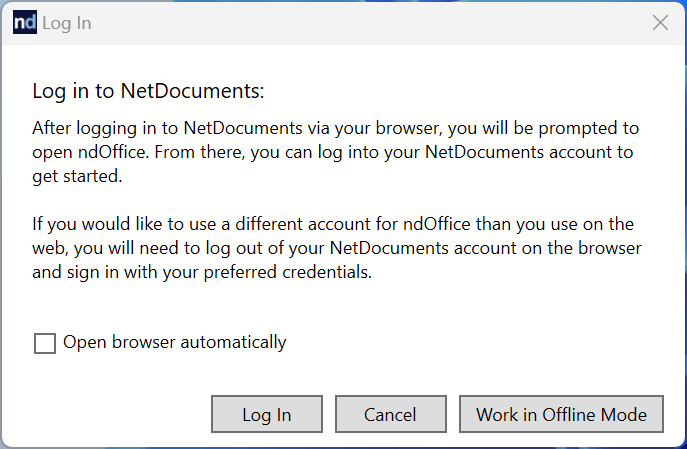
Step 6: Click Log In
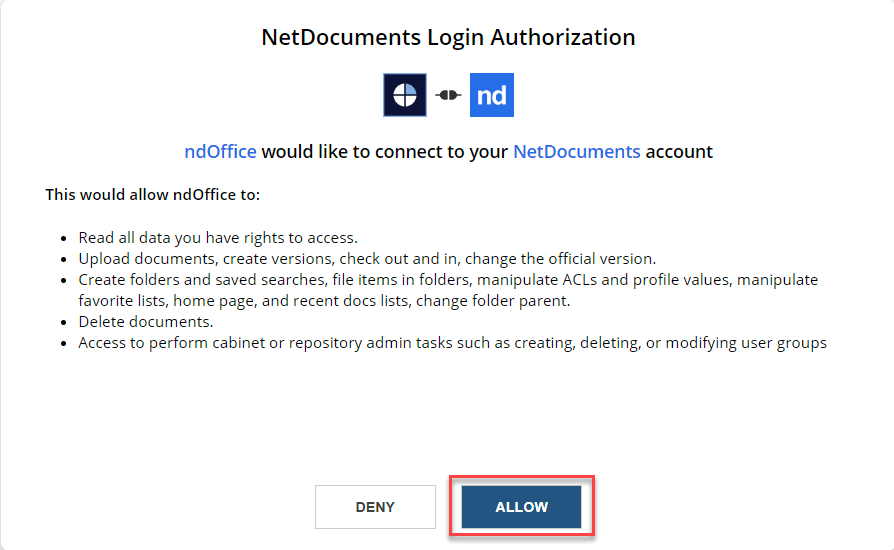
Step 7: Click Allow