


If you are getting this message in NetDocuments, you are using Windows Azure Active Directory for Single Sign On:
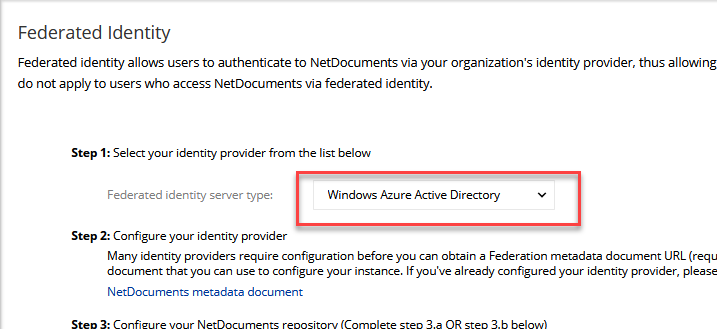
When we setup Single Sign On for our NetDocuments Customers, we use Active Directory Federation Service, so most of our customers don’t have to worry about this.
To fix this issue, you are going to need to access to both NetDocuments and Azure\Entra ID.
Here are the steps require to fix this issue:
- From the Azure / Entra ID Active Directory Admin screen, expand the Manage menu and select App registrations.
- Select the All applications tab.
- Select the application you set up for NetDocuments Federation / SSO.
- Note: If you use our M365 add-in for ndMail you may have multiple applications listed related to NetDocuments with names you would have set when they were created. Please ensure you are selecting the application specific to Federation / SSO.
- From the Get Started section select View API permissions.
- If the API / Permissions section already lists Microsoft Graph or is empty, then no further action is needed.
If it lists Azure AD Graph, however, please refer back to the instructions in our article starting on Step 3 to add a new permission for Microsoft Graph.
The steps and article links above provide the necessary information for making this change. If you have questions or need further assistance, please contact NetDocuments Technical Support.